
MF777 Game APK Download | Free Official Download for Pakistan 2026
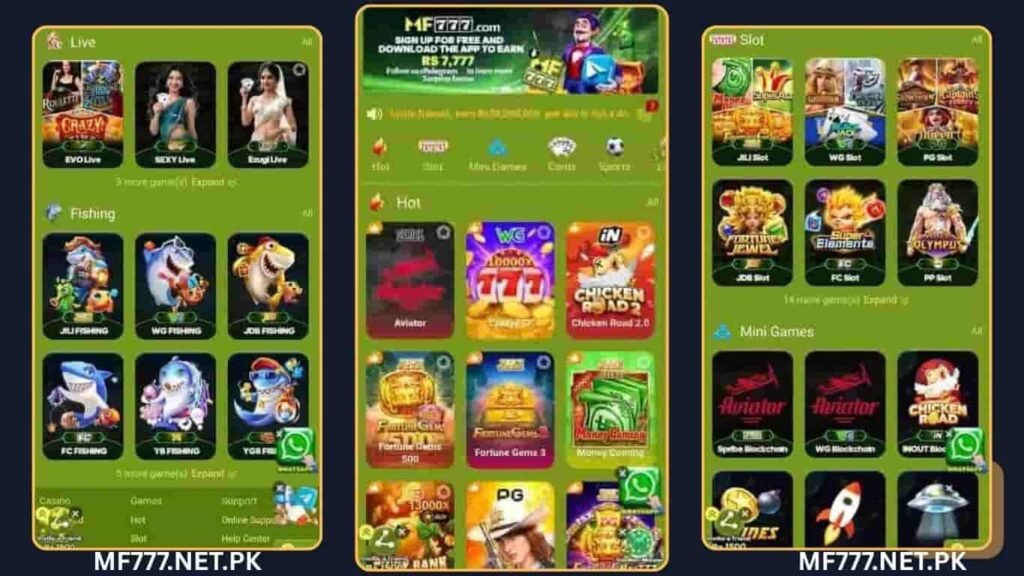
The mf777 APK is a downloadable Android application file that installs the earning platform directly on your phone without using the Google Play Store. It is a single file that contains the full app, including all games, wallet features, bonus systems, and payment tools. Once installed, players can deposit real PKR, play games, and withdraw winnings to EasyPaisa or JazzCash.
The file is free to download and does not charge any installation fee at any point. It is specifically built for Pakistani users and includes a complete Urdu language interface for easy navigation. Always verify the file source before installing, as only the official version is safe and fully functional.
Things to Check Before Downloading
System requirements – iOS and android
| Requirement | Android | iOS (iPhone/iPad) |
| Operating System | Android 5.0 or higher | iOS 12 or higher |
| RAM | Minimum 1GB (2GB recommended) | Minimum 2GB |
| Storage Space | At least 150MB free | At least 150MB free |
| Internet Connection | 3G, 4G, or Wi-Fi | 3G, 4G, or Wi-Fi |
| Device Type | Android smartphone or tablet | iPhone or iPad (browser access) |
| Security Setting | Unknown Sources must be enabled | No special setting required |
| Google Play | Not required | Not applicable |
O
Permissions – What to watch for
Before installing any APK, review the permissions it requests. The following are normal and expected for this type of platform:
Treat these as red flags and do not install if the app requests:
How to download and install the mf777 game APK on Android devices?
How to install the mf777 game app on iOS?
iPhone and iPad users cannot install an APK file directly. Here is how to access the platform on iOS devices:
How to use mf777 game on a PC?
Windows PC and laptop users have two practical options to access the platform:
Option 1 | Play via browser (easiest method)
Option 2 | Use an Android emulator
Common download and installation problems
Download not starting
Check your internet connection and make sure you are on the official website before tapping the download button again.
Download keps failing
Switch from mobile data to Wi-Fi or clear your browser cache, then retry the download from the official page.
APK will not install
Confirm that Install from Unknown Sources is enabled in your phone’s Security settings before attempting installation again.
“App not installed” error
Delete the previously downloaded file, re-download a fresh copy from the official source, and try installing again.
Application crashes after installation
Clear the app’s cache and data from your phone settings, then reopen it, if it persists, reinstall the latest version.
Security warning from Android
This warning appears for all APK files installed outside Google Play; tap Install Anyway only if the file is from the official website.
Games not loading
Check your internet speed, close background apps to free up RAM, and refresh the game lobby inside the app.
Can’t log in after an update
Use the Forgot Password option to reset via OTP, or clear the app cache before attempting to log in again.
Safety checklist before installing
Safety tips for pakistani users
Frequently Asked Questions
This section answers the most common questions Pakistani users ask before downloading and using the platform.
Why is it not on Google Play Store?
Casino-style earning apps are not permitted on the Google Play Store due to platform policies, so it is distributed via APK from the official website.
How do I update to the latest version?
Visit the official website, download the newest APK file, and install it over the existing version, your account and data will remain intact.
Is my money safe on this platform?
All transactions are processed through EasyPaisa and JazzCash, both regulated by the State Bank of Pakistan, keeping your money in trusted local channels.
What should I do if the APK will not install?
Enable Install from Unknown Sources in your phone’s security settings, delete the old file, re-download from the official website, and try installing again.